Introduction
Have you ever dreamed of asking an AI: "Which pages lost the most clicks this week?" and get an answer based on real data from Google Search Console (GSC)?
Thanks to the Model Context Protocol (MCP) and to Anthropic's repository mcp-gsc by Amin Foroutan, this is no longer science fiction. It's a senior-level tool for SEOs who want to automate technical analysis without leaving the chat room.
Table of Contents
What is mcp-gsc?
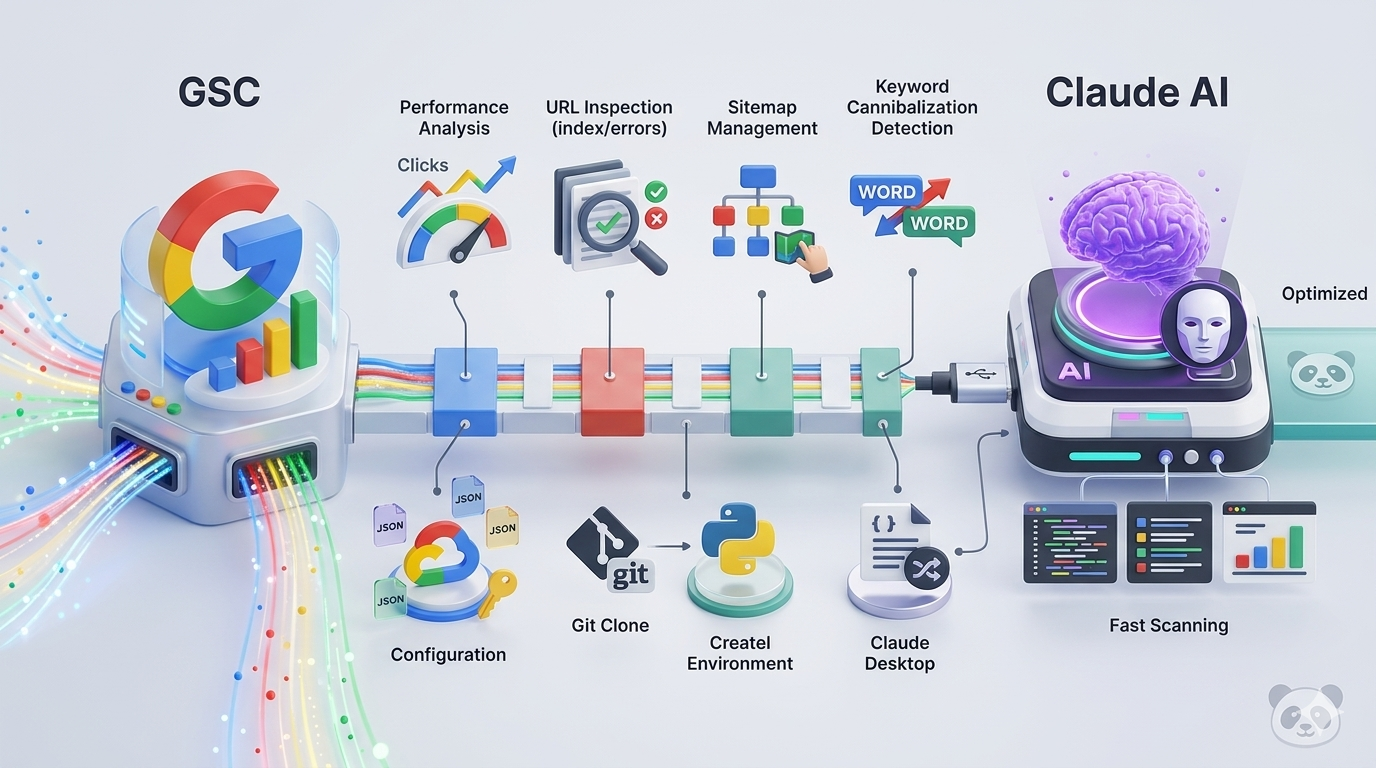
It is an MCP server that acts as a bridge (USB-C for AI) between the reasoning capabilities of models such as Claude 3.5 Sonnet and the official Google Search Console API.
What you can do:
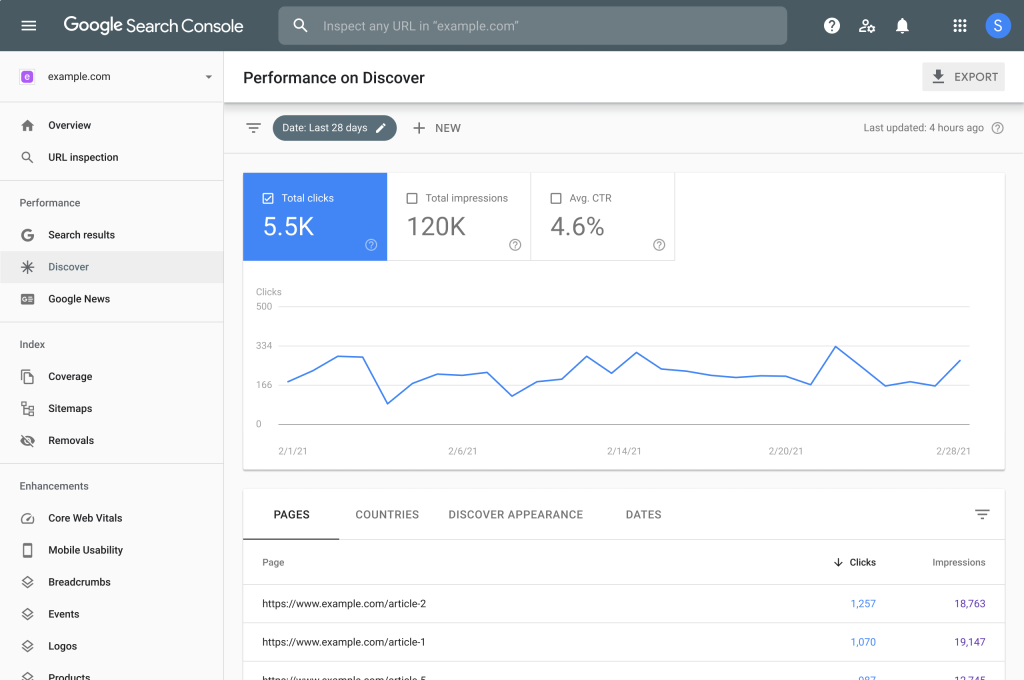
✅ Performance Analysis: Consult clicks, impressions and CTR with natural language.
✅ URL inspection: Check if a page is indexed or has crawl errors.
✅ Sitemap management: Review the status of your sitemaps and submit new ones.
✅ Cannibalization Detection: Ask the AI to cross-reference data and find competing keywords.
Step-by-step configuration (Senior Dev Style)
To use this server, you need to set up Google Cloud credentials and link the server to your MCP client (such as Claude Desktop).
1. Prepare Google Credentials
- Go to the Google Cloud Console.
- Create a project and enable the Google Search Console API.
- Creates a Service Account or a OAuth Client ID.
- Download the file JSON credentials and store it securely.
2. Server Installation
Clone the repository and prepare the Python environment:
					Bash
git clone https://github.com/AminForou/mcp-gsc.git
cd mcp-gsc
python -m venv venv
source venv/bin/activate # On Windows: venv/scripts/activate
pip install -r requirements.txt
3. Configuration in Claude Desktop
You must add the server to your Claude configuration file (claude_desktop_config.json):
					JSON
{
  "mcpServers": {
    "gsc": {
      "command": "python",
      "args": [
        "/path/a/tu/mcp-gsc/gsc_server.py"
      ],
      "env": {
        "GOOGLE_APPLICATION_CREDENTIALS":"/path/a/tu/credentials.json".
      }
    }
  }
}
Use Cases: How to take advantage of it
Once connected, do not ask for "data". Ask for strategy. Here are 3 prompts that will change your workflow:
🔶 Express Audit: "Analyzes the top 10 URLs with the most impressions but less than 1% CTR in the last 30 days. Suggests Title Tag improvements."
🔶 Indexing: "Check for sitemap errors in property X and tell me which URLs are excluded by 'Crawled but not indexed'."
🔶 Comparison: "Compares the performance of the /blog/ category against /products/ with respect to last month."
Performance Tips for SEOs
✅ Batch Inspection: mcp-gsc supports batch inspection. Use it to audit migrations quickly.
✅ Data Visualization: Ask Claude to use the returned data to create a comparison table or executive summary for clients.
✅ Safety: Never share your JSON credentials file. Use environment variables to keep your domain protected.

Conclusion
The use of MCP transforms the AI from a "writer" to a "technical data analyst". If you manage multiple domains, mcp-gsc is the ultimate tool to save hours of CSV exporting.
At ClickPandaWe take your infrastructure to the next level with high-traffic optimized hosting and state-of-the-art tools.