Introduction
Has it ever happened to you that you change a button, adjust a CSS... and suddenly half an E2E test suite breaks? That's the hidden cost of tests "glued" to selectors: they become fragile, expensive to maintain and, worse, they no longer represent how a real person interacts.
This is where the video approach you shared turns gold for product teams and devs: Stagehanda Browserbase library that combines browser automation with AI models so you can write actions in natural language. Instead of saying "click on #btn-123".you say "click on buy tickets" o "extracts subtotal"and the framework tries to behave like a user who understands the interface.
In this article I explain, step by step, how it works. (act / extract / observe), how to set up a realistic test, the typical errors (yes: language matters), and how to get a reliable environment ready to run these tests for real. And at the end I show you why ClickPanda makes it easy for you to run this stable (staging, VPS, support, migration).
Table of Contents
What is Stagehand and why is it attracting so much attention?
Stagehand is a browser automation framework that lets you control web pages with a mix of code + natural language, and is compatible with Playwright. The promise is simple: tests closer to the user's reality, less dependency on selectors, and more maintainable flows when the UI changes.
The key is in its main "primitives":
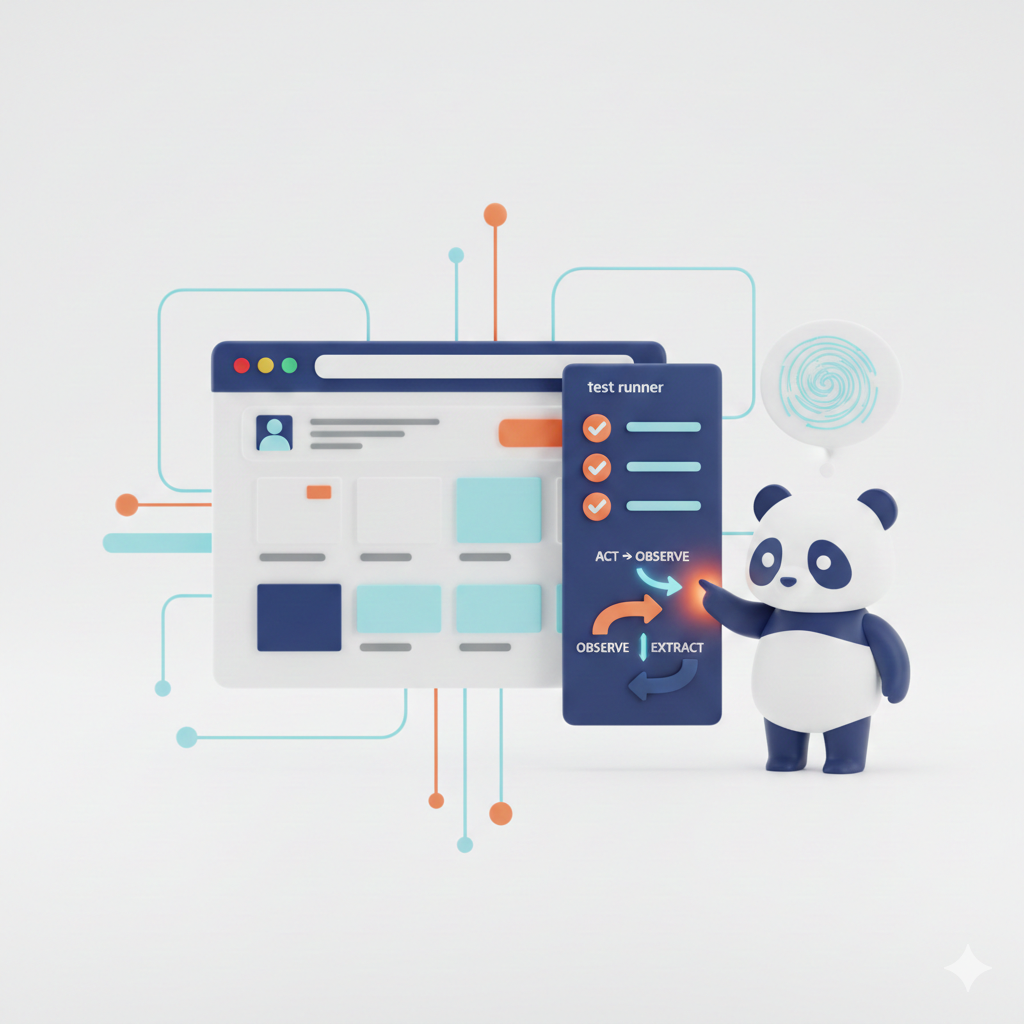
✅ act(): execute an action ("click on buy", "add 2 entries", "complete the checkout").
✅ extract(): extract information ("get the subtotal", "tell me the price of the first product").
✅ observe(): discover possible elements/actions ("find the login button", "detect where the cart is").
✅ Evals/Metrics: measure how reliable and expensive your AI test set is (see the Evals section in the documentation).

When does it make sense to use AI for testing (and when doesn't it)?
It does pay off when...
✅ Your product changes UI frequently and maintaining selectors became a tax.
✅ You want to validate "human" flows: purchase, registration, search, cart, payments.
✅ You are creating a usability standard: "if I say it in natural language, the user should find it too".
It is not the best first choice when...
❌ You need ultra deterministic tests to the millimeter (e.g., visual-regression pixel perfect).
❌ Your app has a confusing UX: the AI will suffer... and that's a sign (but it doesn't save you from the root problem).
❌ Your AI budget is zero and you cannot use local models or an external API.
Step by step: your first E2E "user type" test with Stagehand
In the video, the basic flow is: install Stagehand, set environment variables, open the browser, execute actions with act(), extract a data with extract(), and assert the result. That's a great "Hello World" because it touches on the essentials.
1) Installation (Node/TypeScript)
The installation guide is here: Stagehand official installation.
2) Environment variables (the standard error)
You will need keys if you use a model via API. The key point: if you already have a global variable in your system with the same name, it can "step on" your .env and you get confused (happens a lot with CLIs).
Practical tip: defines clear names to avoid clashes, for example: OPENAI_API_KEY_STAGEHAND.
3) The mental structure of the test
Think of the test in 3 layers:
- Intention (natural language): "a user buys 2 tickets".
- Verification (assert): "subtotal = X".
- Fallback: if it fails due to ambiguity, support with observe() or refine the prompt.
A practical example (act + extract + assert)
A typical flow: enter a URL, click on "Buy", add 2 items, extract subtotal and compare.
Two recommendations that will save you hours:
🔶 Make your prompts more "human" but unambiguous: better "add 1 general entry to cart" than "hit the plus".
🔶 If extract() returns null, try:
- ask for the value with more context ("extract the subtotal shown in the checkout summary")
- or first observe() to tell you where that block is and then extract (see how observe() works).
The awkward detail: language does affect (and how to solve it)
In the video you can see something very real: sometimes extract() in Spanish can fail ("subtotal"), and when you convert it to English it works.
How do you handle it without "betraying" yourself if your product is in Spanish?
- Keep the UI in Spanish, but write prompts with dual context:
"Extracts the subtotal (partial total) from the purchase summary / checkout summary." - Standardize an internal glossary: subtotal, total, taxes, shipping, etc.
- If your app is multi-language, have the test detect the current language and adapt the prompt.

How to prevent your AI tests from being fragile (real anti-flaky)
1) Uses observe() as a radar before acting
If the page changes, first observe: "find the pay button", validate that it exists, and then act. That's the idea of observe().
2) Reduces the search space
The more freedom you give the AI, the more it can make weird decisions. Land the context:
- "in the summary on the right"
- "in the cart modal"
- "in the ticket section"
3) Measure with Evals
If you are going to run it in CI, measure: time, success rate, cost and stability. Here: Evals from Stagehand.
What does ClickPanda have to do with all this? Much more than it seems
If you are serious about E2E tests with AIYou need an environment where you can staging without drama, have stable performance and scale as the project grows.
With ClickPanda you can do it this way:
✅ Start with SSD Hosting for lightweight staging and quick testing.
✅ Manage easy with cPanel Hosting if you work by subdomains and need control without complication.
✅ Upgrade with SSD VPS if you are already going to run runners, Docker, Playwright/Stagehand or more serious pipelines.
If you want your E2E tests with AI to be more than an experiment, you need a stable environment where your web and staging run without surprises.
🔶 Set up your staging on SSD Hosting and validate purchase flows, forms and UX with confidence.
🔶 If you're ready for pipelines and full control: upgrade to SSD VPS.
🔶 And if you're still missing the basics: register your domain in ClickPanda Domains and build your digital identity from one place.
Conclusion
Stagehand is pushing a powerful idea: writing E2E tests as human intentions, not as an infinite list of fragile selectors. And when you combine it with a stable environment (staging, performance, scalability), it stops being "demo" and becomes real quality.
Grow your online presence with ClickPanda. The time is now.